


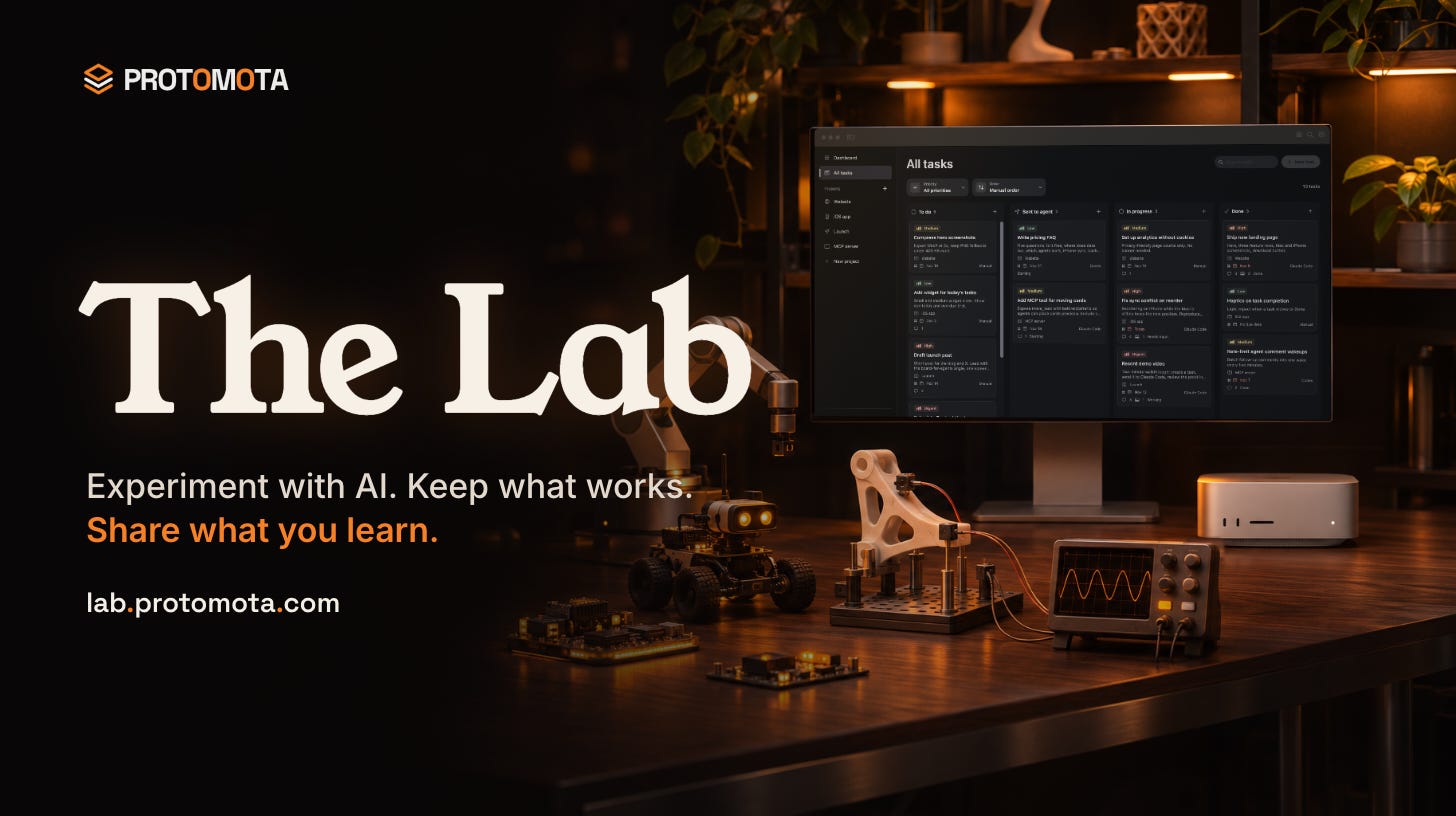
I started the Lab because figuring out new tools alone can get lonely, especially while the work itself keeps shifting. I wanted a friendly place to experiment with AI, test ideas, keep what works, and share what fell flat.
Beginners are welcome here. Some of us went to college, while others learned on the job or taught themselves an hour at a time. If you’re starting out, changing careers, or curious how these tools work, there’s room for you in the Lab. Showing up with a question is plenty.
If you happen to be looking for work, a warm introduction or an hour of interview practice can make a real difference. Passing along a job lead or showing someone the part of your work they’re curious about helps, too.
Run small experiments you can use
A good first experiment starts with a small problem you already have. Say people keep recommending books and you lose track of the titles. Try making a tiny app that saves one book so you can find it tomorrow. You’ll get something useful and a better question for what to try next.
I work the same way on my own projects, sharing both what worked and where I got stuck. That might be a feature someone can use today, a short video on a tricky step, or a write-up about a dead end that makes the next try easier.
I use 80/20 as a rough guide for attention. My clearest hours go to focused work that helps someone, and I check messages when I come up for air. That leaves time for family, pets, and hobbies that exist just because they’re fun.
Test the tools on real work
I like making tools earn their place on real projects. I ask a tool for something I can check, run it myself, and keep what holds up. When an experiment fails, that’s still useful information. Trying a few approaches early is cheap compared with discovering you picked the wrong one after people rely on it.
With AI agents, I give each assistant a defined job and clear limits. One might sketch an interface while another works out how data is saved. Then I click through the running app to see where it breaks. When I find a bug, I want a test that catches it if it comes back.
I also like having a choice about where tools run. Open-weight models like Qwen and Gemma offer smaller versions worth testing on your own hardware. What matters to me is how well a tool handles the work, whether on my Mac or through a hosted service.
Keep useful software easy to get
Most of my software starts as an experiment for something I need myself. I make native apps for Apple devices, and daily use shows me quickly what feels awkward. Across Protomota, I want the full apps to be free and source available, with no Protomota account or recurring bill.
These apps store your work locally first, with easy ways to export and back it up. Optional iCloud sync is available in some apps if you want your work on another device. Some apps also include an MCP connection so a compatible assistant can work with them. If you connect a hosted assistant, what it reads may go to that service. I want people to have a clear choice about what they share.
I don’t sell ads or take sponsors. When I recommend a tool, I want to say what I tested it on and how it held up. Tips help pay for the time this work takes, and sharing an independent app with someone who needs it helps, too.
That’s the spirit I want in the Lab. Share a tool that saved you an hour, post an experiment that still isn’t working, or pass along a job lead. Often the most helpful thing you can tell someone is what you tried and ruled out before an idea finally worked.
Come join the Lab on Discord or subscribe to The Lab by Protomota for updates.